
 CPlatform Sales
Turn a phone into a sales counter
Pick items, take payment, close shifts and receive stock on the phone. Orders and vouchers go straight into your company CPlatform.
One app for every company on CPlatform. Downloaded directly from ttpjsc.com, not through Google Play.
On a computer? Scan this code with an Android phone to get the app.
Two ways to use it. Either one works
Android app (APK)
Install once on an Android phone. After that, opening the app goes straight to your store sign-in.
Web version
Nothing to install. Scan the QR from your manager to open the POS in the phone browser.
Get started in 3 steps
- Enter your company address
Install the app, open it and enter your company CPlatform address. You only do this once. The web version skips this step.
- Scan the activation code
Your manager creates the code in CRM › Settings › POS › Activate device. It works once and expires after 10 minutes.
- Sign in and sell
Enter your employee code or username, with your POS PIN or CPlatform password.
What you can do on it
Selling
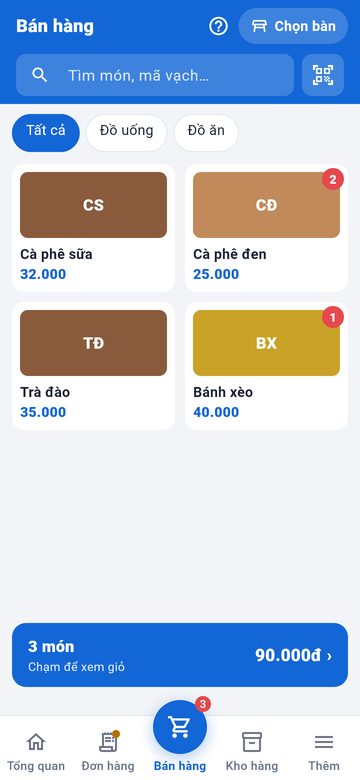
Items come from your CRM products. Search by name or scan barcodes with the camera.
Payment
Cash, or bank transfer with a VietQR code for the exact amount. Orders become sales and receipts, the same as the web POS.
Cashier shifts
Open a shift, record cash drops, and close the shift by counting notes.
Stock
See stock levels, receive goods with a payment request or cash from the till, count stock, report damage.
Device control
Managers see each device, its app version and last contact. Lost a phone? Revoke it remotely.
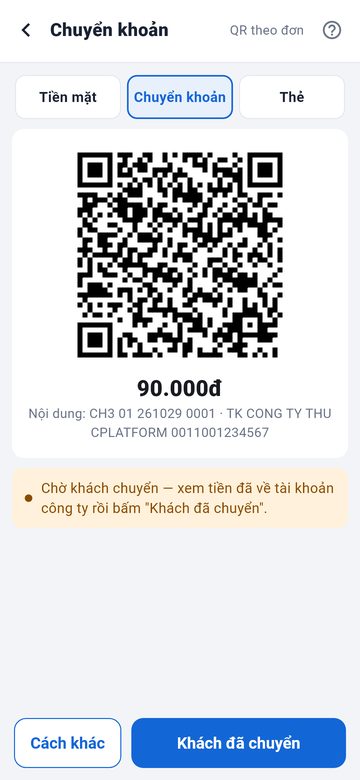
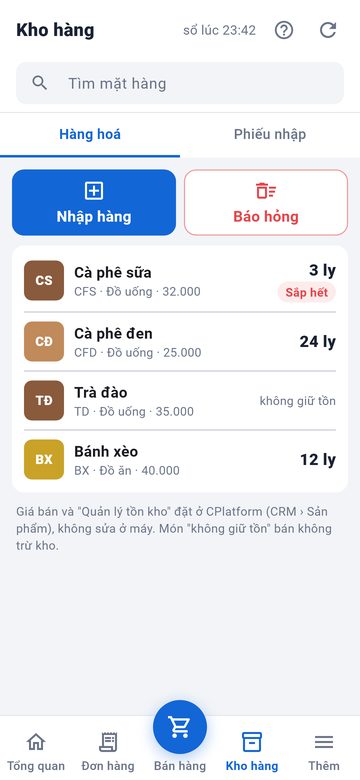
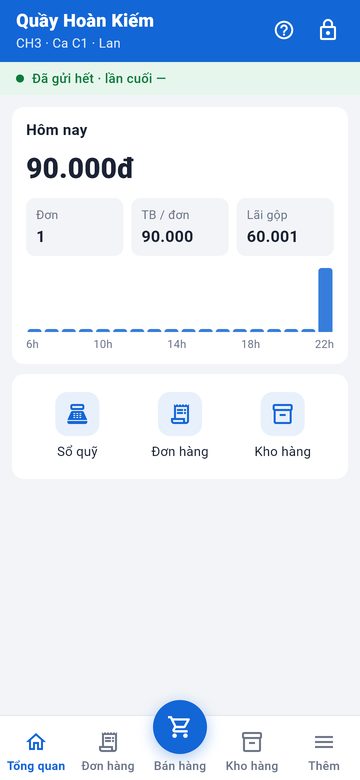
Real app screens, sample data. The app is in Vietnamese.
Good to know
- The app connects to your company CPlatform and does not work on its own.
- Keeps selling offline (up to 24 hours) and sends everything once back online.
- This version does not yet sell weighed goods or term-based services.